

TOOLS
Useful tools
for the web
A collection of useful tools you can use right away with no installation. Process images, PDFs, audio, and code on the spot; we clearly indicate when data must be sent externally.
Images3
Compress, convert, remove backgrounds, and work with colors.

Remove backgrounds
Cut out the subject of an image and save it as a transparent PNG or WebP. Fine-tune the result with a brush.
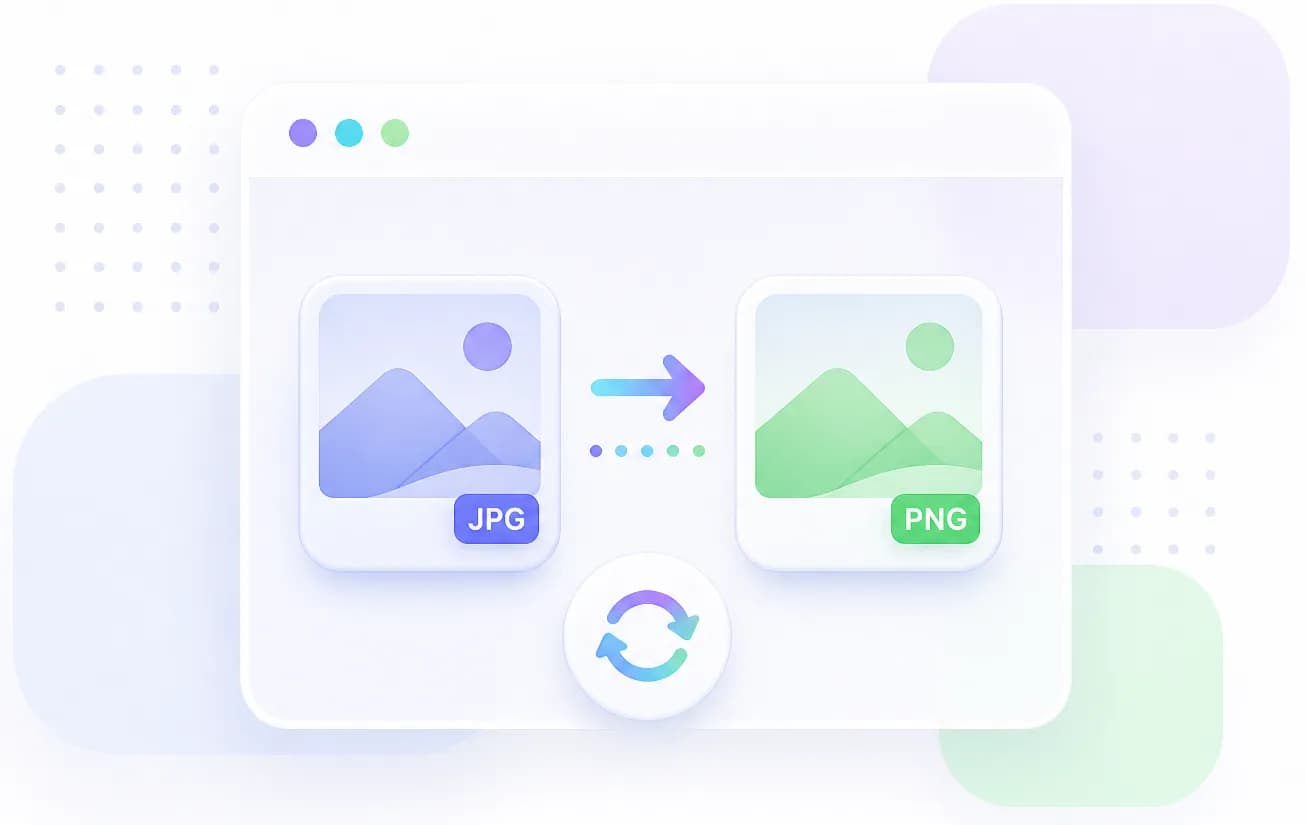
Convert image formats
Convert HEIC, AVIF, JFIF, JPG, PNG, BMP, and WebP images to JPEG, PNG, BMP, or WebP. HEIC and AVIF are supported as input only.

Compress images
Compress JPEG, PNG, and WebP images in your browser, adjust quality, compare before and after, and save files individually or as a ZIP.
Development & data1
Format, validate, and convert structured data and patterns.

Website creation3
Favicons, QR codes, colors, and checks for building websites.
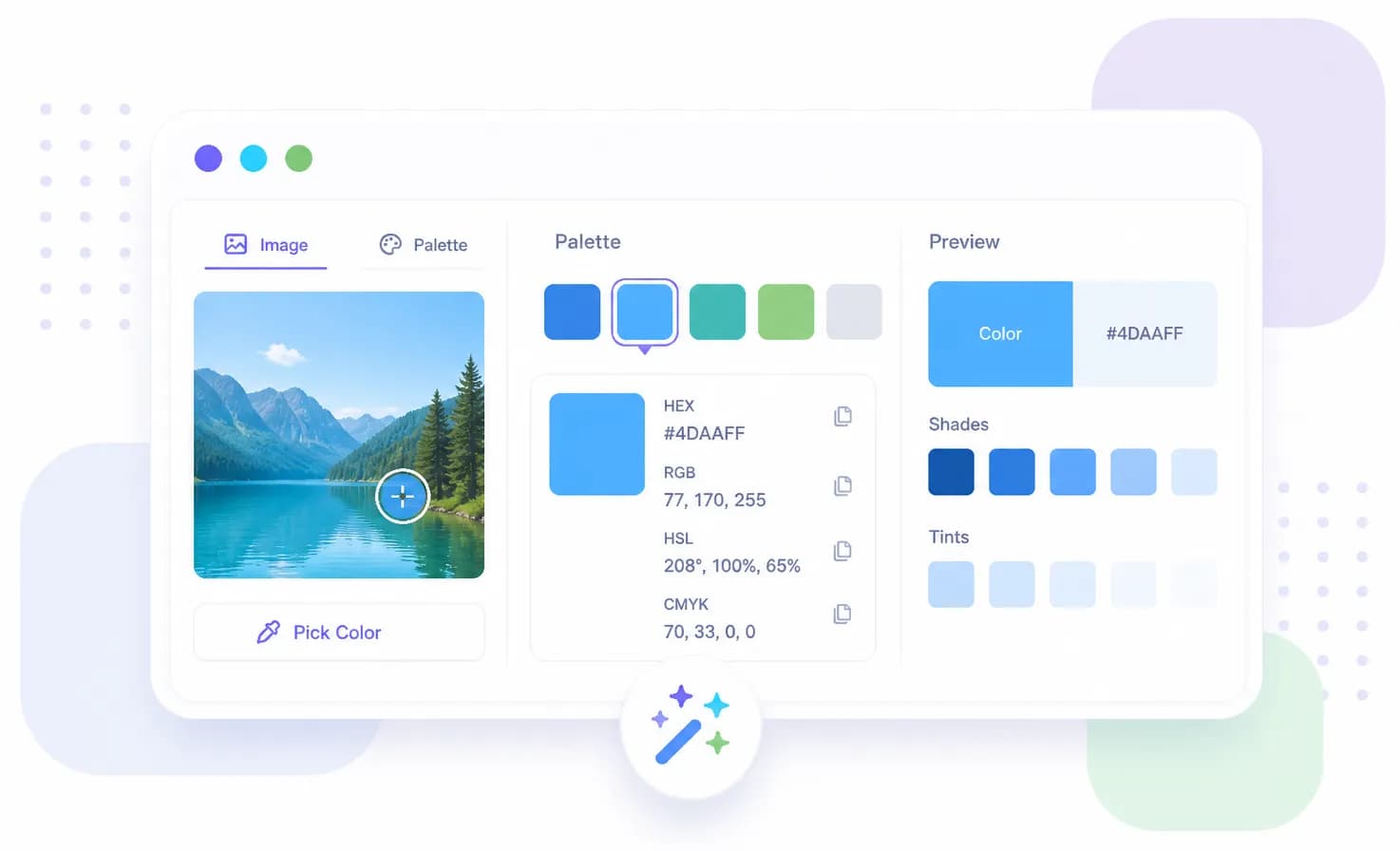
Pick colors
Pick colors from an image or color controls, then check color codes, palettes, and text contrast in your browser.

Create a favicon
Create a multi-size favicon.ico file from a PNG, JPEG, WebP, or other image.

Create a QR code
Turn a URL, Wi-Fi network, contact, or text into a static QR code and save it as PNG, SVG, or PDF.
Documents & work3
Handle PDFs, document images, and digital seals for everyday work.
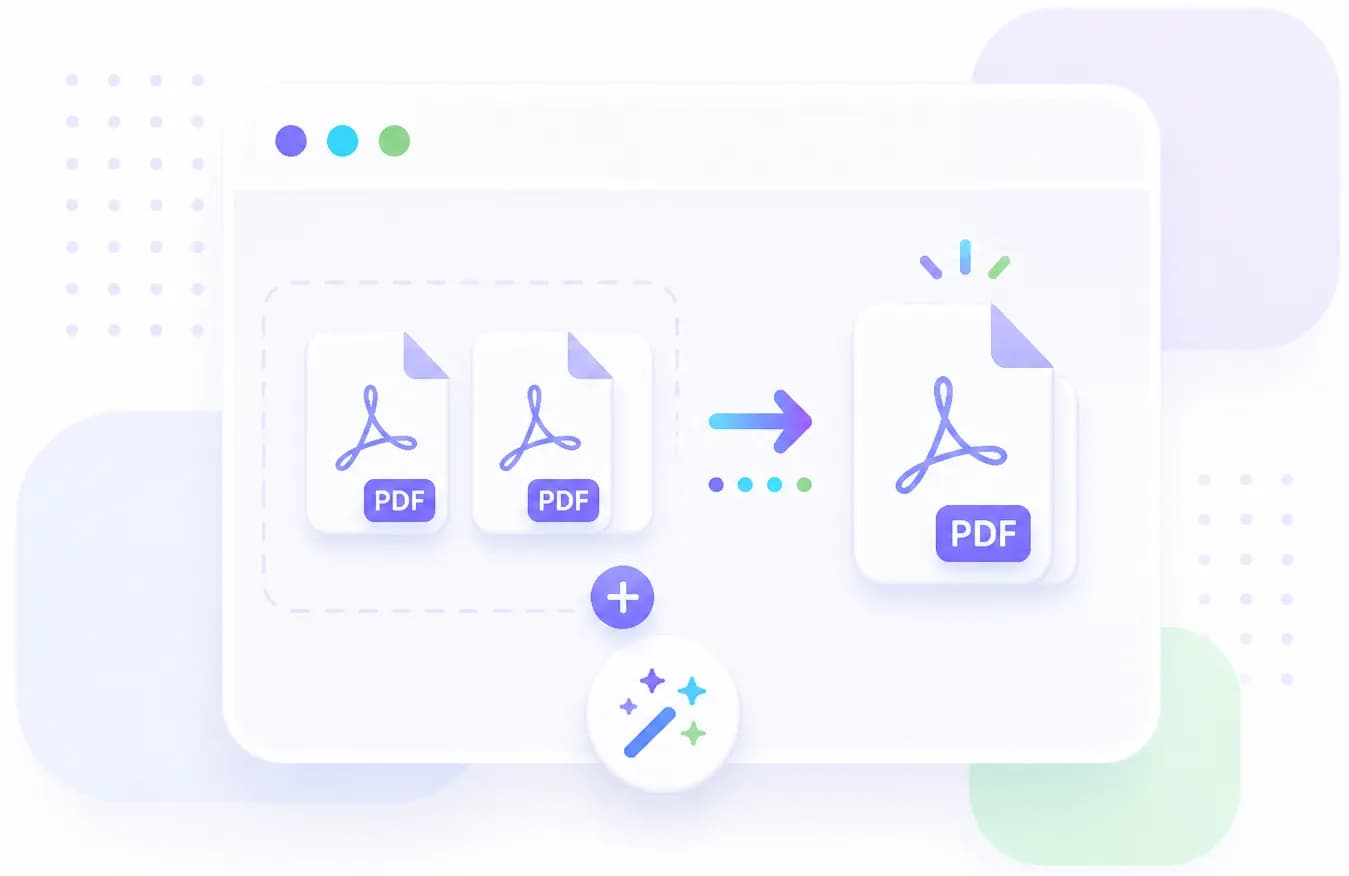
Merge PDFs
Load two PDFs in your browser, choose their order and page ranges, and save them as one PDF.
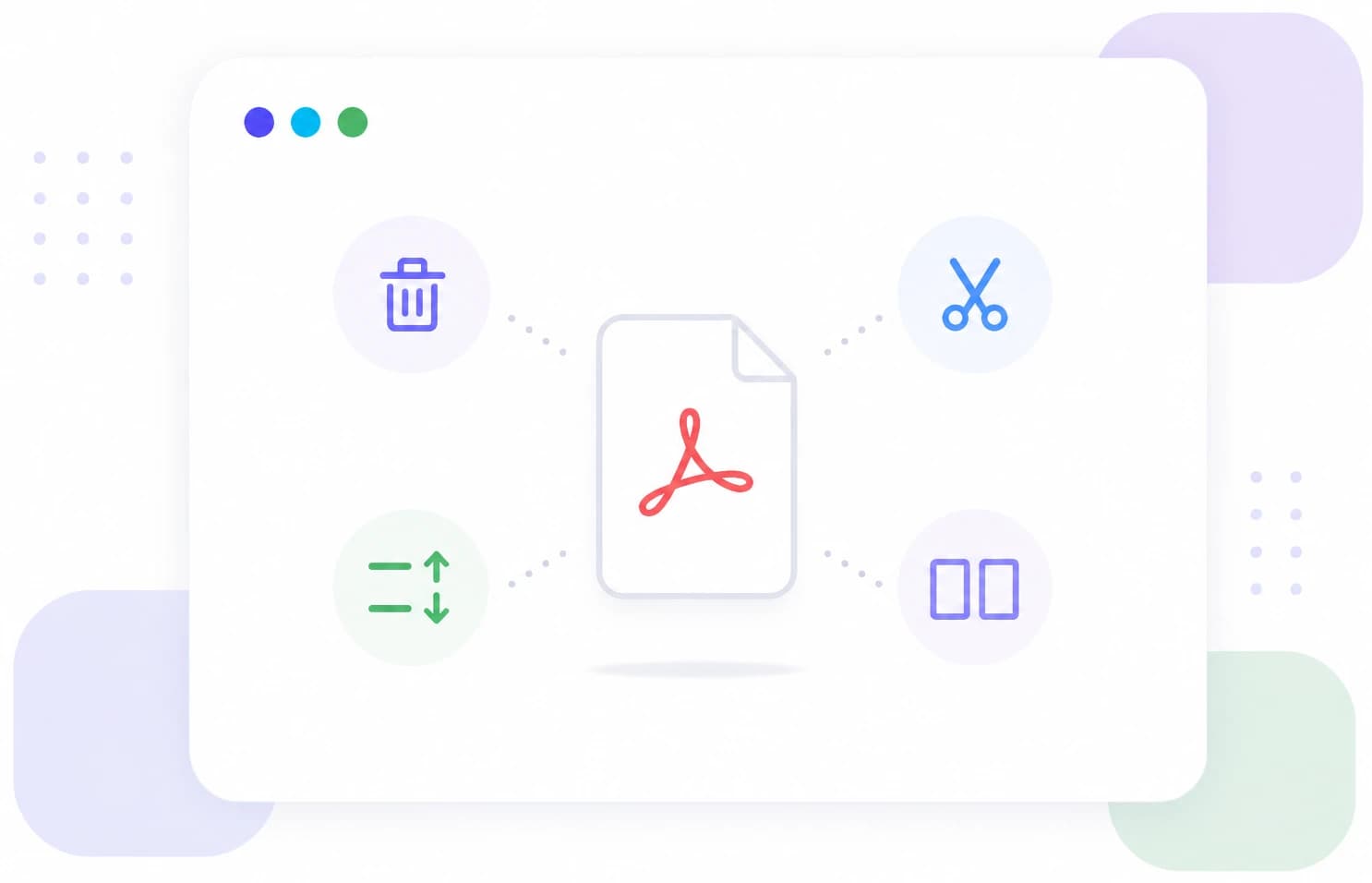
Edit PDF pages
Remove unwanted PDF pages, reorder or rotate them, then save selected pages or split them into multiple PDFs.
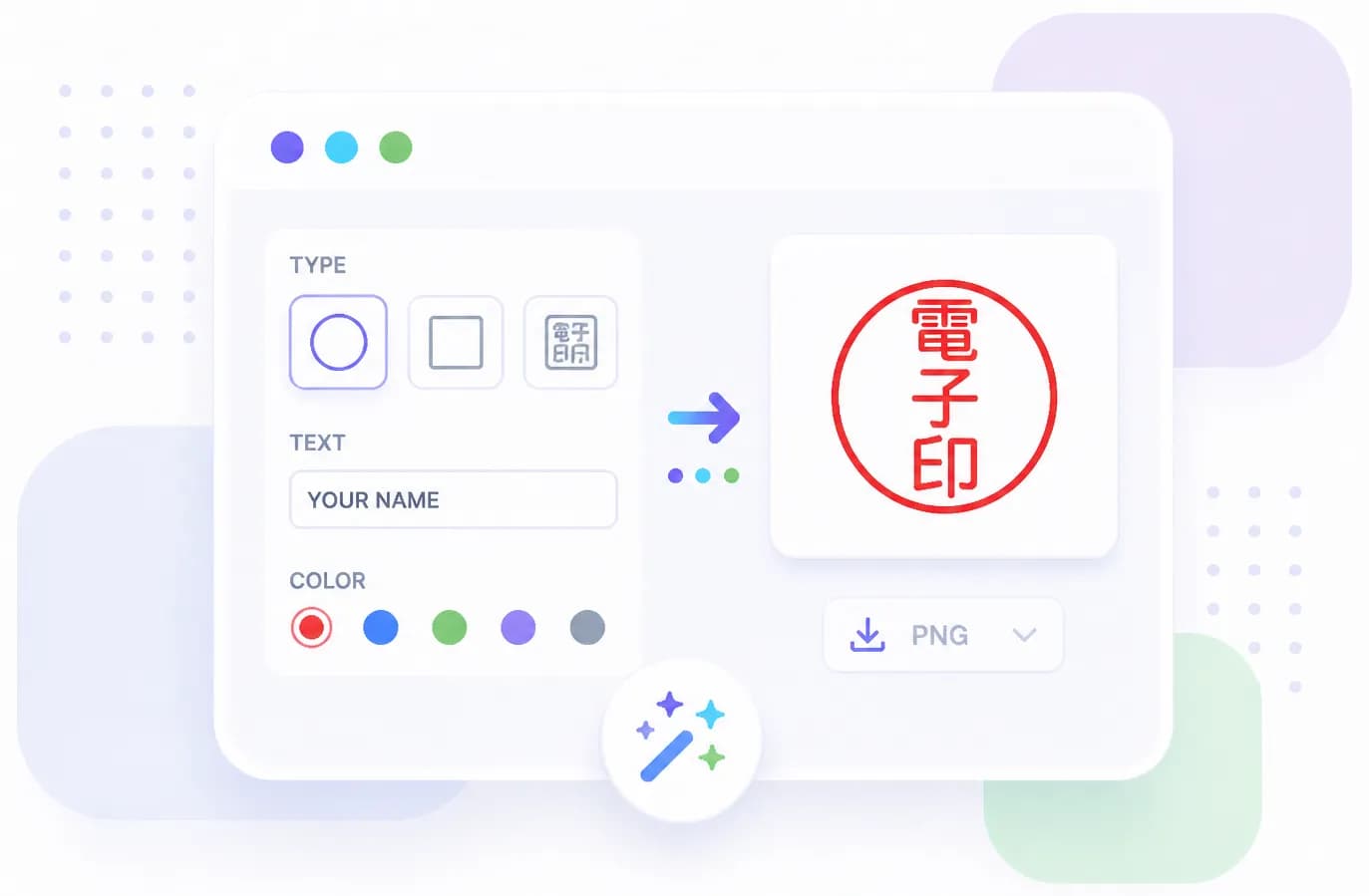
Create a digital seal
Create a transparent PNG digital seal with a red border and text from a surname or any characters in your browser.
Audio & media2
Trim, convert, and export audio files.


Device checks2
Quickly check your camera, microphone, and speakers.